
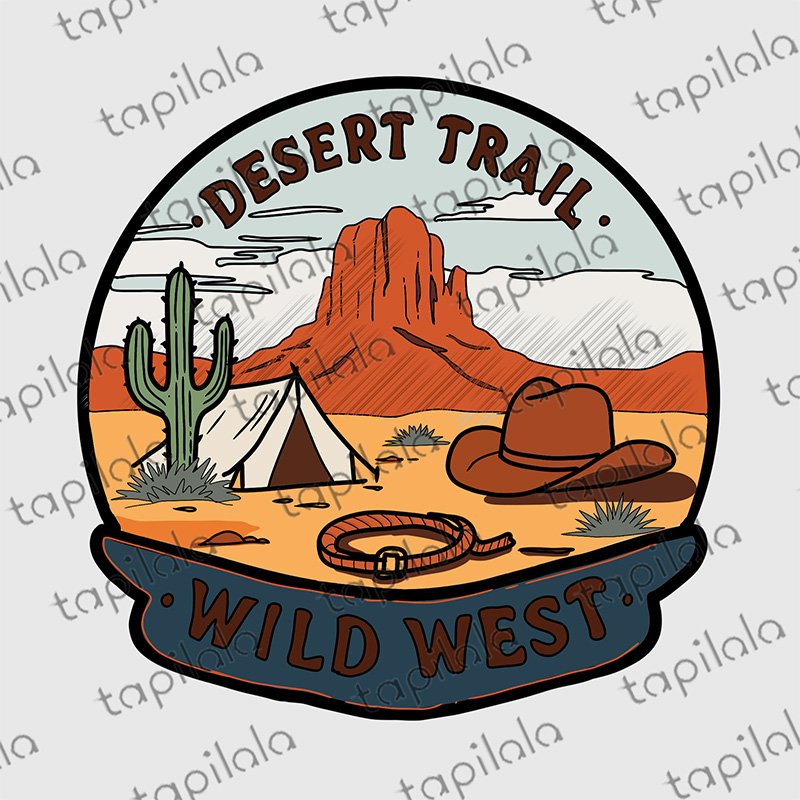
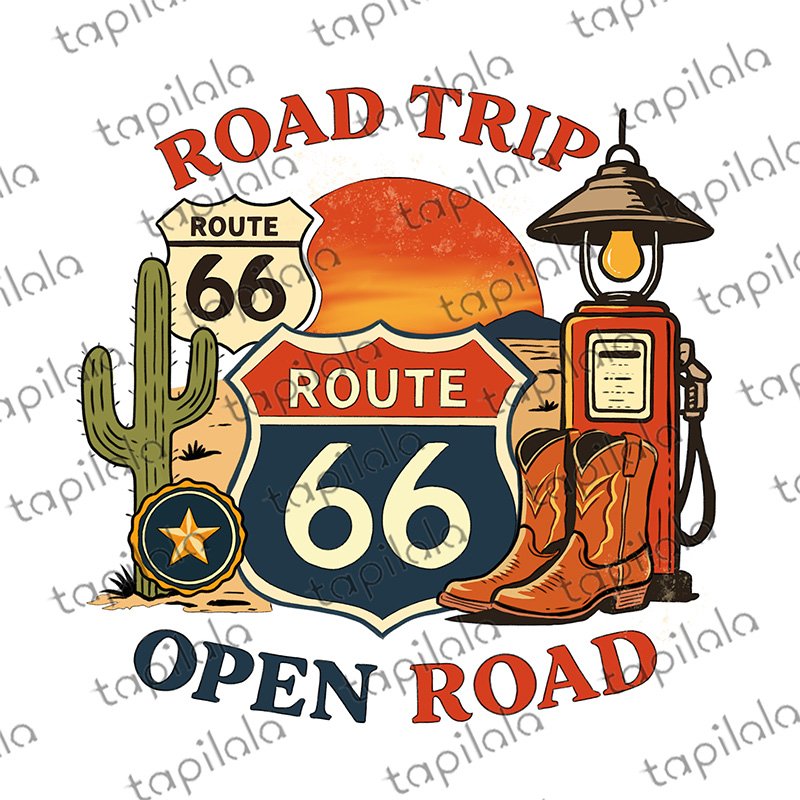
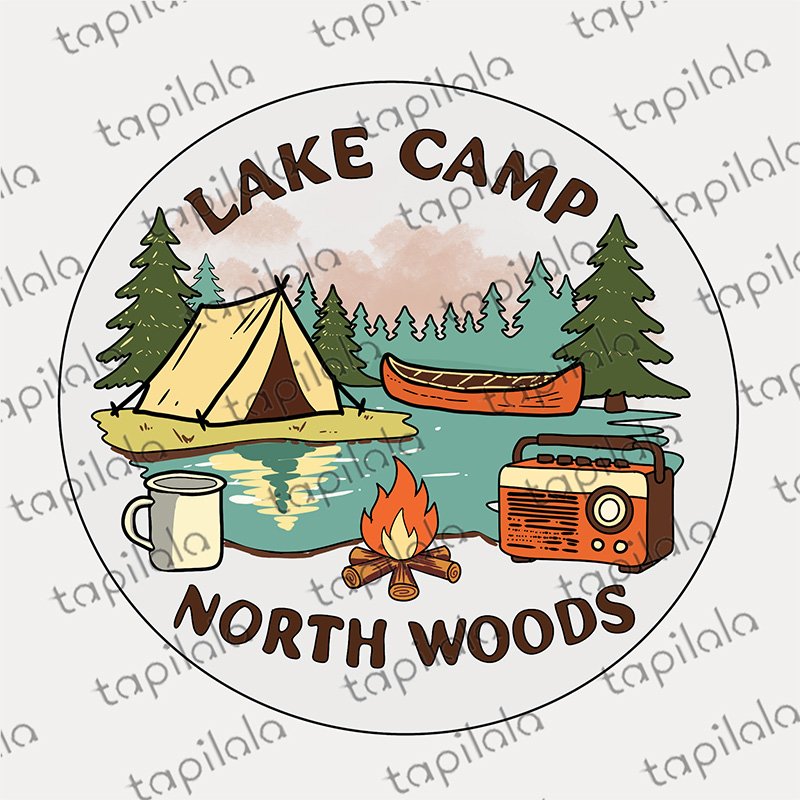
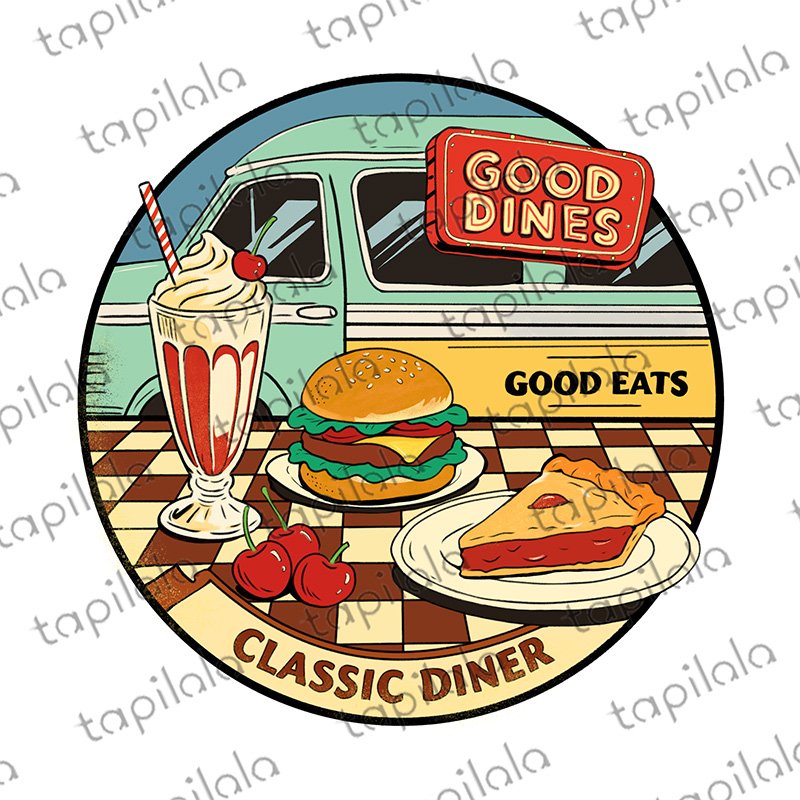
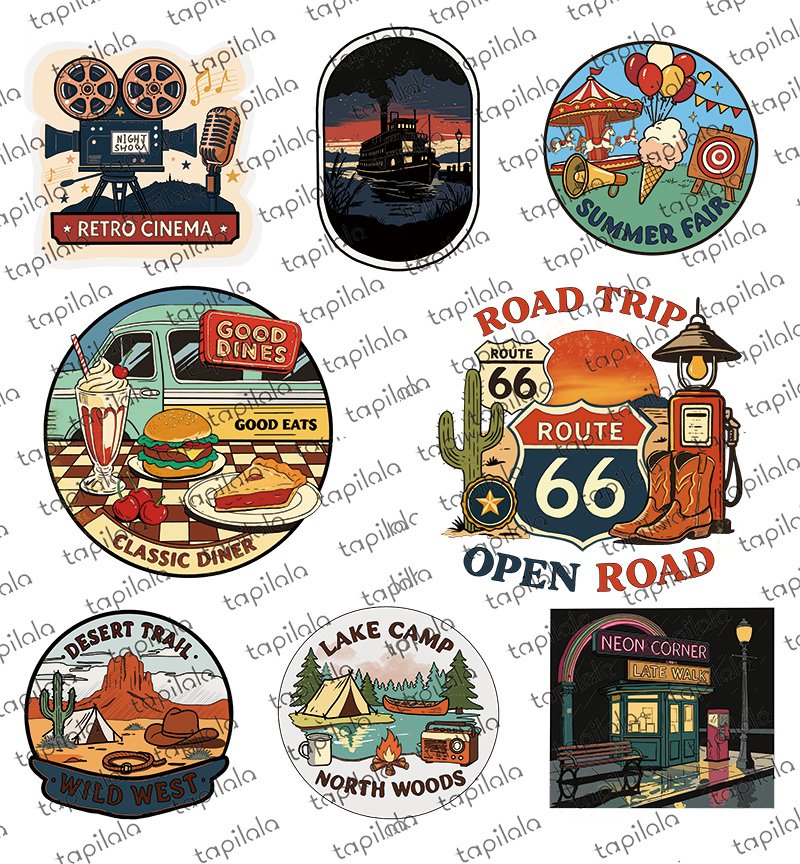
There’s a quiet magic in the desert at night – the crackle of a campfire, the silhouette of a tent against the fading sky, and the feeling that the world has slowed down just for you. Our Western Sticker Set captures that moment in simple, hand‑drawn sketches.
Each design carries the spirit of the open range – a lone tent pitched in the sand, a curl of smoke rising toward the stars, the worn leather of an old saddle. The lines are soft, the tones are warm, and the mood is pure stillness. No clutter, no noise – just the beauty of a night spent under wide‑open skies.
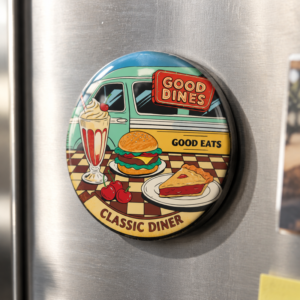
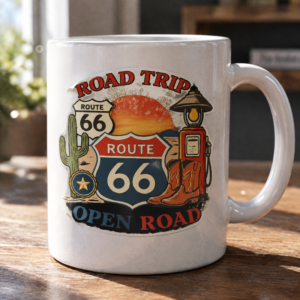
Use them to decorate your travel journal, add a rustic touch to your digital planner, or print them on kraft paper for handmade cards and tags. Because they’re digital, you can resize, rotate, or layer them endlessly – one download, infinite possibilities.
This is a digital product – nothing physical will be shipped. Use them for personal projects or to create physical items for sale (commercial use included). All you need is your imagination and a little wanderlust.
Download, print, and let the desert campfire glow in your everyday life.

Open desert skies, campfires and starry nights.
Eight hand-drawn western motifs – tents pitched in the sand, worn leather boots, saddles and lonely trails – for journal spreads, mood pages and travel layouts.
What’s included
- 8 individual PNG stickers with transparent backgrounds
- 1 combined sticker sheet for quick browsing
- An installation guide (PDF) for GoodNotes and Notability
- 1 ZIP file – instant download after checkout, nothing is shipped
Works with
These stickers are transparent PNG files, so they work in any app that can import an image. Here is the import path for each one:
- GoodNotes 5 & 6 (iPad, iPhone, Mac) – open a notebook, tap the image tool, then Import from…
- Notability (iPad, iPhone, Mac) – tap the media button and select the sticker images
- Noteshelf (iPad & Android) – add images from your gallery onto a page
- Noteful, CollaNote, Defter Notes (iPad) – use the app’s image import button
- Xodo (iPad & Android) – insert images onto any PDF page
- iMessage, WhatsApp, Instagram, Telegram – send the PNGs as chat stickers
How to import them (about two minutes)
Prefer a walkthrough with screenshots? Read our guide to importing digital stickers into GoodNotes, Notability and iMessage.
- Download the ZIP file – the link is on your order confirmation page and in the email we send you.
- Unzip it in the Files app on iPad/iPhone, or on your computer.
- Open a notebook, tap the image or photo tool, and choose one or more stickers.
- Resize, rotate and reuse them as often as you like – they never lose quality.
Delivery & details
- Format: PNG with a transparent background, ready to layer on any page
- Reusable and resizable – no fixed size and no expiry date
- No watermark on your files (the previews on this page are watermarked to protect the artwork)
- Delivery: instant digital download – no physical product is shipped
T&Cs: licence & refunds
Licence: personal use plus small-business use on physical products – you may print the stickers on items you sell (planners, journals, cards, handmade goods). You may NOT resell, share or redistribute the digital files themselves, or offer them as a digital download or clipart set. Because this is a digital download, all sales are final – see our Refund Policy for the two exceptions (duplicate charges, and files that never arrive).
Frequently asked questions
What is in the western sticker set?
Eight designs: a canvas tent at dusk, a campfire, trail boots, a saddle, a lone cactus, a desert skyline, a lantern and scattered stars.
What apps can I use these digital stickers with?
GoodNotes 5 and 6, Notability, Noteshelf, Noteful, CollaNote, Defter Notes and Xodo, plus any app that can import PNG images. The same files also work as iMessage, WhatsApp, Instagram and Telegram stickers.
Do digital stickers work on iPhone or Mac?
Yes. GoodNotes and Notability run on iPhone, iPad and Mac, and you import the PNG files the same way. On a computer you can also place them in Canva, Word or any image editor.
How do I download my stickers after purchase?
The download link appears on your order confirmation page straight after checkout, and we also email it to you. If it does not arrive, email hello@tapilala.com and we will resend it.
How many times can I use the stickers?
Unlimited times on unlimited pages, for your own personal projects.
Can I resize or recolour the stickers?
Yes – they are high-resolution PNGs with transparent backgrounds, so you can scale them up or down in your app without losing sharpness.
Can I use the stickers for commercial projects?
No. The licence covers personal use only, so the files may not be resold, shared or redistributed.
Reviews
There are no reviews yet.